The session looks finished, you press the handle button, and the Rivian cable stays locked. That is a real stop, whether you are at a public stall or at home. This page will not invent actuator histories, R1T versus R1S panel maps, or a Charge Pro diagnosis. Use the current Rivian owner information for that VIN, then call the charging network if the connector is on their hardware.
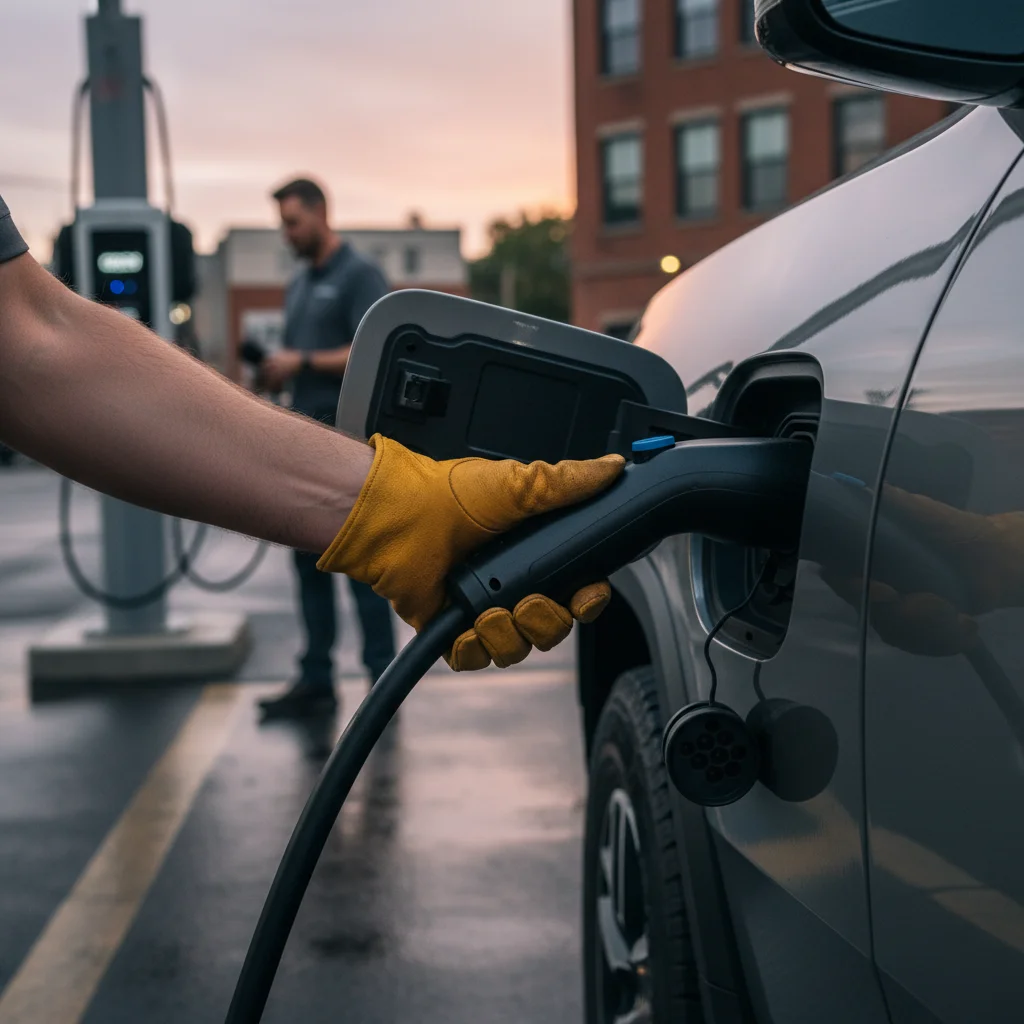
Record what the port and app actually show
Before anyone pulls on the handle, write down:
- Charge-port light color and whether it is steady or flashing
- What the Rivian screen and Rivian app say about charging, locked, or ready to unplug
- Whether the station screen or network app still shows an active session
- Make, model, model year, and a photo of the port and connector
- Whether you used any adapter
Do not treat a stuck pin as a known early-production defect, a failed actuator, or dust in the latch unless Rivian’s current manual or a Rivian service message for that VIN says so. This job’s facts pack does not include a Rivian owner-manual capture for release-cable locations, so this site will not publish one.
If you have a NACS-port Rivian and an adapter in the mix, Rivian’s listed J1772 AC adapter is for AC chargers only on compatible 2026 and newer Rivian vehicles with NACS ports. It must not be used with a DC charger. A CCS DC inlet is not the same as AC J1772. Confirm the actual connector against the DOE AFDC charging page and the operator or station.
For a brand-agnostic overview, see EV charge port won’t release.
Use Rivian’s current manual, not a copied procedure
Open the owner guide that matches this VIN. Follow Rivian’s steps for stopping a session, unlocking the connector, and any documented manual release. If the frunk will not open because the truck has no low-voltage power, that is a different problem. Use Rivian’s current low-voltage instructions, not Tesla’s Model Y hood wires.
This article will not tell you which frunk panel to pry, which color tag to pull, how many seconds to hold steering-wheel buttons, or how R1T and R1S differ. Those details belong in Rivian’s materials.
If the car is on a freeway in a dangerous traffic-lane situation, call 911. Otherwise metropolitan callers can use 511 for roadside assistance, per the CHP FAQ.
Public station: call the network on the cabinet
If the cable is a public charger’s property, the network’s 24/7 number on the cabinet is the first professional contact. Ask them to end the session or release the connector remotely. Do not yank the handle. A forced pull can damage the vehicle inlet, the cable, or the stall.
Stay with what you can observe: the light, the apps, and whether the latch still clicks. Leave mechanical cause to Rivian or a qualified shop.
When to call Charge Pro SD
Charge Pro SD is a referral connection in San Diego County. We do not diagnose jammed pins, 12-volt gremlins, or a “faulty public charger,” and we do not roll a specialized Rivian rescue team.
Call (858) 400-4465. We connect you with a licensed independent operator. That operator must confirm whether they can assist a jammed port at all, or whether Rivian, the station network, or a transporter is the right next call. They quote scope and price directly. You pay them, not Charge Pro SD.
If you also need energy, the operator has to confirm the vehicle, connector, any approved AC-only adapter, location access, and whether charging or a move is even on offer. Do not assume a mobile visit can unstick a seized latch.
Rivian’s own roadside path, if your account includes it, is still the manufacturer channel. Verify coverage in the Rivian app or account. See Rivian roadside assistance in San Diego and non-Tesla EV rescue for the referral framing on this site.